
Updated October 4, 2026
APK Download Safety Guide: How to Check an Android App Before Installing
A practical Android APK safety checklist covering source verification, publisher checks, permissions, updates and device security.
An APK is the package format Android uses to install an application. The format itself is normal; the important question is where the file came from, who published it and whether you can verify that it matches the app you intended to install.
Start with the official source
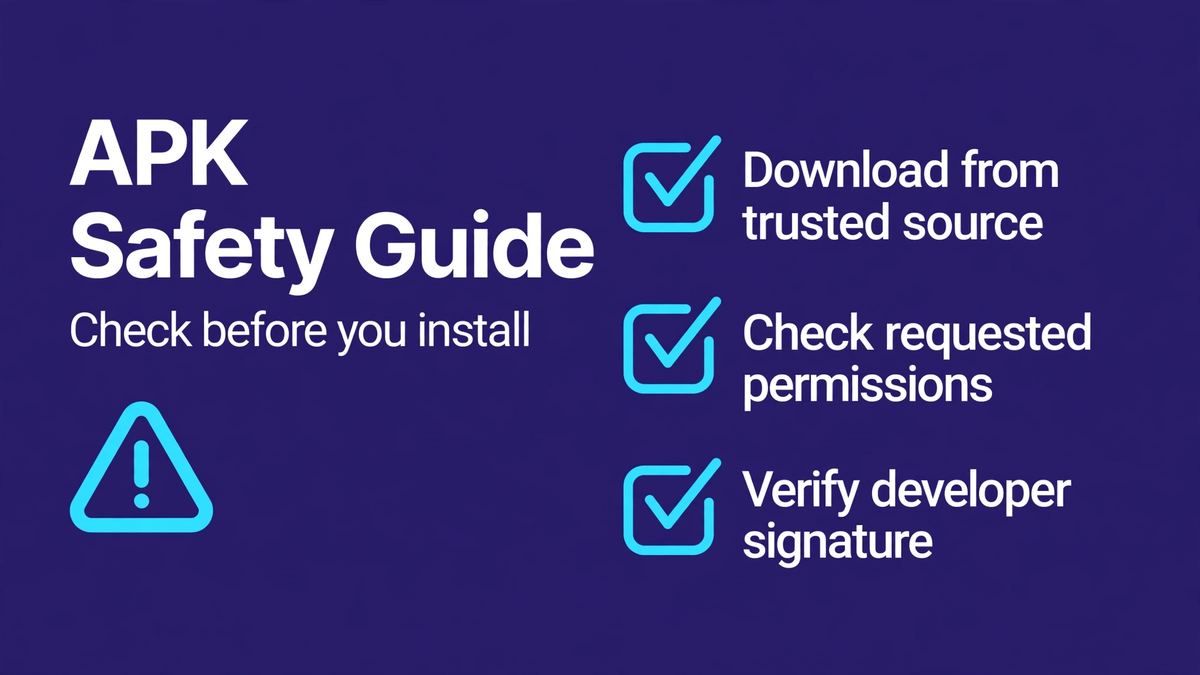
For most users, the safest route is the app's verified developer page or Google Play. APKBros keeps a safe app download sources guide for this reason. If a developer distributes an APK directly, the official website should clearly identify the product and publisher.
Check the publisher, not only the app name
App names and icons can be copied. Compare the publisher name, developer website and support address with the information shown on the official product site. A mismatch is a reason to stop and investigate.
Look at permissions in context
A camera app may reasonably request camera access. A navigation app may need location. A simple calculator has little reason to ask for contacts, microphone and location at the same time. Android may show permissions before or after installation depending on the feature. The useful question is whether each permission is necessary for what the app actually does.
Keep Android protections enabled
Use current system updates and built-in app scanning where available. Avoid disabling device security simply because a download page tells you to. If installation requires several unusual security changes, confirm that the instructions come from the genuine developer.
Check version and update history
An old file can be risky even when it originally came from a legitimate app. Compare the version number and release date with the developer's current documentation. Security fixes are one reason official stores and direct developer update channels are preferable to old copies.
Be careful with lookalike download buttons
Some pages show several large buttons even though only one relates to the app. Read the destination before proceeding. The domain should belong to the developer or a recognized store. Do not assume that the largest button is the correct one.
A simple five-point check
- Identify the real developer.
- Use the developer site or recognized app store.
- Compare publisher, package and version details.
- Review requested permissions.
- Keep device security and updates enabled.
If you cannot verify the source, the safest decision is not to install the file. APKBros is an independent guide and does not operate an app repository; see how the site works for our sourcing approach.